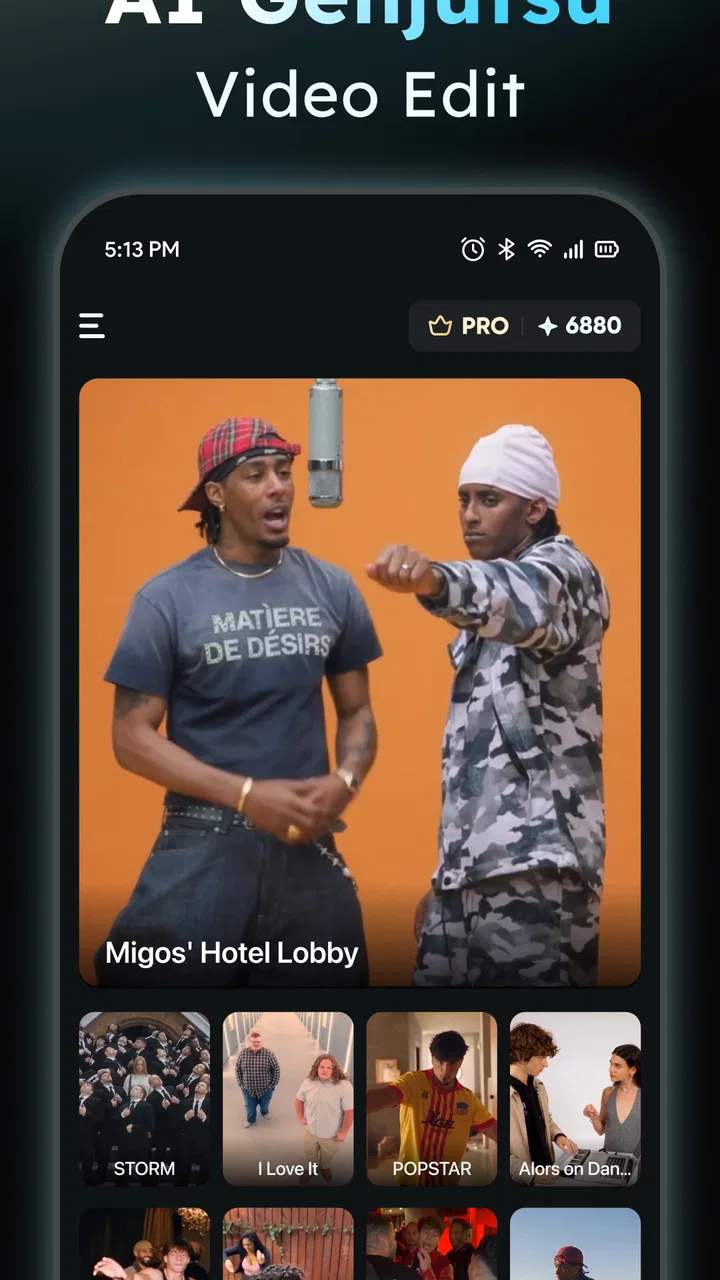
AIReel : AI Video Generator
- 4.3
- Rating
- 1.00M
- Installs
- Free
- Price

 Analysis by App-foxy
Turning a still image or a short idea into a moving clip sounds simple, but the quality of the result depends heavily on how much control the tool gives you. I spent time with AIReel, an art and design app from FunCreate Limited, to see whether it feels useful beyond the novelty of pressing an AI button. Its focus is straightforward: creating video from images or text. That makes it interesting for social posts, visual experiments, quick presentations, and anyone who wants motion without learning a full video editor.
My overall impression is that AIReel is most appealing when I treat it as a rapid idea-making tool rather than a complete replacement for a traditional editor. It can help turn a concept into something shareable quickly, especially when I already have a strong image or a clear visual prompt. At the same time, AI-generated video still needs supervision. A result can look impressive at first glance while containing movement, timing, or visual consistency that would not survive close inspection.
How AIReel feels in its current form
The app sits in the art and design space, but its practical use reaches into content creation. I can imagine opening it when I have a product image that feels too static, a poster that needs a little movement, or a written scene that I want to visualize before spending time on a longer project. The attraction is not that it replaces every creative step. It is that it shortens the distance between an idea and a first visual draft.
You May Also Like

 Pandora - Music & Podcasts
Pandora’s Music Is Easy to Start, but Harder to Recover
Pandora’s strength is its low-effort path from a seed to a station. Its weak spot is how much confidence it asks you to place in connection, setup, and quiet recovery.

 AccuWeather: Weather Radar
AccuWeather Review: A Quick, Clear Forecast for Everyday Decisions
For everyday plans, the best forecast is the one you can understand quickly. AccuWeather makes rain timing, radar, and local conditions easy to act on, with a few trade-offs.

 Hill Climb Racing
Why Hill Climb Racing Still Turns Crashes Into One More Run
A tiny car, a bumpy hill and one more upgrade: Hill Climb Racing keeps resurfacing because its simple chaos makes every near-miss feel personal.

 AliExpress - Shopping App
AliExpress Makes Global Shopping Feel Personal, but Shoppers Bear the Risk
AliExpress turns a global marketplace into a pocket-sized discovery engine. Its reach is useful, its shopping loop compelling, and its trade-offs easy to miss.

 Lords Mobile: Kingdom Wars
Lords Mobile Is a Kingdom-Building Routine, Not a Quick Match
A case-by-case verdict on the building, battles, device demands, and social commitments that make Lords Mobile rewarding for some players and exhausting for others.

 PDF Scanner app - TapScanner
TapScanner Makes Paperwork Easier to Capture, Check, and Share
TapScanner makes scanning with a phone feel less like a rescue operation and more like a dependable step in getting work done. Its capture tools are useful, though not flawless.
More From Our News Desk
View All News


AIReel is free to install, which makes experimenting easy. It has a Teen content rating, so it is aimed at a general older audience rather than very young children. The app has passed the one-million-install mark and holds a 4.5 average from around fourteen thousand ratings, suggesting that the basic concept is reaching a substantial audience. Those figures do not guarantee that every generated clip will be good, but they do indicate that this is more than an obscure experiment.
The current Android build is version 2.6.2, with Android 7.0 or later required. That broad operating-system support is useful if I want to try it on an older spare phone, although an AI video workflow is naturally more comfortable on newer hardware with a larger screen and a reliable connection. The developer is FunCreate Limited, and the app includes optional purchases ranging from $6.99 to $109.99 per item. That price range is important: casual testing may cost nothing, but frequent or ambitious use can become a meaningful expense.
Starting with an image instead of a blank prompt
For me, the image-to-video direction is the more immediately practical part of the app. A prepared image gives the generator a visual anchor, so I can concentrate on the kind of movement I want. A landscape might benefit from a slow camera drift, while a portrait may work better with restrained motion that preserves the subject’s identity. The best results usually come from asking for movement that belongs naturally in the source image instead of demanding a dramatic transformation.
A useful workflow is to prepare the still image first. I would crop out distracting borders, check that the main subject is clearly visible, and avoid placing important details too close to the edges. This matters because animation needs room to move. If the original composition is already cramped, a generated camera move can make it feel even more crowded. AIReel is more helpful when I give it a clean starting point rather than expecting it to repair every weakness in the source.
There is also a subtle trade-off between visual excitement and reliability. A prompt asking for a gentle push-in or a soft atmospheric effect is easier to judge than one asking for several characters to interact, change expressions, and move through a complicated scene. When I need a clip for a real post rather than a private experiment, I prefer the conservative option. A shorter, coherent animation is more useful than a spectacular result with distracting distortions.
Using text to explore ideas quickly
Text-to-video is more open-ended. It is useful when I have a mood, subject, or scene in mind but no suitable image to upload. This makes AIReel attractive for brainstorming. I can begin with a visual idea, see how the app interprets it, and then revise the wording based on what appears. In that sense, the first generation is not always the final asset; it can be a visual conversation with the tool.
I get better control by separating the subject from the action and the atmosphere. Instead of writing one overloaded sentence, I would describe what should be visible, what should move, and what should remain calm. This helps me notice which part of the idea the generator misunderstood. If the result is too busy, removing one action is often more effective than adding more descriptive language.
The limitation is that text can express an intention more easily than it can guarantee a precise composition. If I need a particular logo, exact lettering, or a person to remain perfectly consistent from beginning to end, I would not rely on a single generated attempt. AIReel is better suited to mood pieces, concept visuals, background material, and social content where a little unpredictability is acceptable.
What the latest version means for regular users
Version 2.6.2 is the current point in the app’s development, and that is worth noting because AI creation tools can change quickly. A version number by itself does not prove that every part of the experience has been transformed, so I would not treat it as a promise of a particular visual quality. What it does tell me is that the app is being presented as an actively maintained product rather than a one-off release.
For someone already using AIReel, the practical question is whether the current build makes the workflow dependable enough to keep in a regular creative routine. I would judge that through repeatability: can I generate several variations, identify a usable one, and move on without feeling that every attempt is a lottery? The answer will depend on the subject and the prompt, but the app makes the most sense when I allow time for selection instead of expecting the first output to be perfect.
New users should also remember that a free installation does not mean unlimited professional production. Optional purchases are listed from $6.99 up to $109.99 per item, so I would test the basic experience before committing to a larger spend. This is especially important if I plan to make many clips, because the value depends on how often I can turn generated material into something I would genuinely publish.
A realistic everyday workflow
Imagine I run a small weekend market stall and want a simple social post for a new handmade item. I could photograph the product against a clean background, use AIReel to add a restrained camera movement, and place the resulting clip beside a short caption in the social app I normally use. The goal is not a cinematic advertisement. It is to make a still photograph feel more noticeable while keeping the product recognizable.
In that situation, I would create several versions with different degrees of motion. One might move toward the item, another might add a subtle environmental feel, and a third might keep the framing almost still. I would choose the clip where the product remains accurate, even if another version looks more dramatic. That is one of the app’s practical strengths: it can provide options quickly enough for a small creator who does not want to learn keyframes or assemble an entire timeline.
For a school presentation or a personal mood board, I would use the app differently. I might generate a visual from a written concept, then use it as a discussion starter rather than presenting it as a factual depiction. The distinction matters. AIReel can help communicate an atmosphere or imagined scene, but it should not be treated as evidence that a real event happened or that a generated person represents a real individual.
Where it compares well with ordinary alternatives
Compared with a conventional mobile video editor, AIReel reduces the amount of manual animation work. In a standard editor, I would need to import an image, decide on motion, set keyframes, adjust timing, and perhaps add transitions. That approach gives me more predictable control, but it also takes longer. AIReel is the better first stop when speed and experimentation matter more than exact movement.
Compared with slideshow makers, it offers a more direct route to generated motion rather than simply placing still images on a timeline. That can make a single visual feel more alive. The trade-off is control. A slideshow editor is usually easier to understand when I need exact durations, deliberate sequencing, captions, music placement, or a fixed brand layout. If the project has a strict structure, I would generate material in AIReel and finish the job elsewhere.
Compared with making a video entirely by hand, AIReel is less predictable but much faster for early concepts. I would choose manual editing for a product demonstration, a tutorial, or anything where every frame needs to communicate precise information. I would choose AIReel for a visual sketch, an atmospheric post, or a quick variation on an existing image. The right choice depends less on whether AI is fashionable and more on whether the project can tolerate interpretation.
Small techniques that improve the results
One useful habit is to protect the focal point. Before generating, I would ask myself what the viewer must notice first. If that is a face, product label, or central object, I would keep the requested movement around it modest. This avoids the common mistake of letting motion become the subject while the original message gets lost.
A second technique is to create a still-image sequence outside the app before asking for animation. Even without a full editor, I can prepare a few related images with consistent framing and then decide which one deserves motion. This is more efficient than repeatedly trying to force one weak source image into a convincing clip. AIReel works best when the creative decision has already been narrowed down.
A third is to inspect the output at normal viewing size and at a closer size. A clip may look fine in a small preview but reveal warped edges, unstable details, or an unnatural transition when enlarged. I would check hands, faces, text, thin objects, and repeating patterns first. These areas often determine whether the result feels intentionally stylized or simply unfinished.
Finally, I would keep the generated clip separate from the original asset. That gives me a clean fallback if the animation changes an important detail. It also makes it easier to compare several attempts without losing the source image that worked best. This simple habit is especially valuable when AIReel is part of a larger workflow rather than the final destination.
The friction points I would not ignore
The biggest weakness is the gap between a convincing preview and a dependable finished asset. AI-generated movement can be attractive, but consistency remains more important than spectacle for many real projects. If a face changes, a label bends, or an object develops an odd shape, I may spend more time reviewing variations than I would have spent applying a simple pan or zoom manually.
There is also a learning curve in prompt wording. The interface may be approachable, but good results still require judgment. I need to understand composition, motion, and what details are likely to be fragile. Someone expecting the app to read an vague sentence and produce a polished campaign video may come away disappointed.
The purchase range is another consideration. Because the app is free to start but offers individual purchases from $6.99 through $109.99, I would be cautious about using it for a high-volume content schedule without first calculating the cost of acceptable results. A creator who needs many revisions, consistent characters, or dependable commercial output may find a subscription-based editor or a traditional workflow easier to budget.
Privacy and ownership also deserve ordinary common sense. I would avoid uploading sensitive personal photographs, confidential documents, unreleased product material, or images of other people without appropriate permission. Generated content can be useful, but the responsibility for choosing suitable source material and checking the final clip remains with me.
Who should try it, and who should skip it
I would recommend AIReel to social creators, hobby artists, students exploring visual ideas, and small businesses that want to test animated posts without learning a complex editing program. It is particularly suitable for someone who already has images and wants to add movement quickly. The app is also a good fit for people who enjoy trying several interpretations of the same idea.
I would be more hesitant to recommend it to a filmmaker who needs shot-by-shot control, a business that requires exact brand typography, or anyone producing instructional material where visual accuracy is essential. Those users are better served by a conventional editor, where timing and placement can be specified directly. I would also skip it if I wanted a complete production suite rather than a generator that supplies a starting point or a short finished visual.
Age matters too. The Teen rating means I would not present it as a children’s creative toy without adult judgment. Younger users may also need help understanding that an AI-generated image or video is an interpretation, not necessarily a truthful record. That is a small but important part of using creative AI responsibly.
What I would watch as the app evolves
My main test for future development would be consistency. I would like to see whether repeated generations preserve important subjects more reliably, especially faces, lettering, and product details. Better control over the direction and intensity of movement would also make the app more useful for professional-looking work without removing its quick, approachable character.
I would also watch how clearly the app communicates the cost of extended use. Since the purchase options span a wide range, transparent choices matter. A user should be able to understand whether a short experiment, a batch of social clips, or a larger creative project fits comfortably within the expected spend before investing time in a workflow.
Another sign of healthy progress would be smoother handoff to other editing tools. AIReel does not need to become a full timeline editor to be valuable. It would be enough for generated clips to fit naturally into a broader process, where I can refine sound, captions, timing, and branding using the tools I already trust. That would preserve the app’s strongest quality—speed—while reducing the pressure to make it do everything.
After using it, I see AIReel as a practical sketchbook with video output. It is strongest when I bring a clear visual idea, keep the requested motion focused, and judge the result as a draft that may need selection or finishing. It is less convincing when I demand exact details, complex interactions, or production-ready consistency from one attempt.
My recommendation is to try AIReel for fast visual experiments before spending on extended use. The free entry point makes that decision easy, while the Teen rating, Android 7.0 support, current version 2.6.2, and broad audience give it a reasonably accessible starting position. Just keep the purchase range in mind, preserve your original images, and inspect every result carefully. For turning a still concept or a short description into an engaging first video, it is genuinely useful; for precise editing, a traditional tool remains the safer choice.
If I were recommending it to a friend, I would say this: use it when you want to discover what an idea could look like, not when you already know exactly how every frame must behave. That distinction captures both its appeal and its limits.
FAQs for AIReel : AI Video Generator
01What is AIReel and how does it work?
AIReel is an AI-powered video generator that allows users to create professional-quality videos with minimal effort. Using advanced algorithms, it automates the video editing process by analyzing input data such as images, text, and audio. Users can customize templates and apply effects to produce engaging content quickly.
02What are the main features of AIReel?
AIReel offers a variety of features including template-based video creation, AI-driven editing tools, and customizable transitions and effects. Users can also integrate music and voiceovers, add text overlays, and export videos in multiple formats suitable for different platforms. The app is designed to be user-friendly for both beginners and professionals.
03Is AIReel free to use?
AIReel offers both free and premium versions. The free version includes basic features and a limited selection of templates. To access advanced features, more templates, and remove watermarks from videos, users need to subscribe to the premium version, which involves a monthly or yearly fee.
04Can AIReel be used on both Android and iOS devices?
Yes, AIReel is available for both Android and iOS platforms. The app is optimized for use on smartphones and tablets, ensuring a seamless user experience across devices. Users can download it from the Google Play Store for Android or the Apple App Store for iOS.
05What is the learning curve for using AIReel?
AIReel is designed with user-friendliness in mind, featuring an intuitive interface that minimizes the learning curve. Beginners can start creating videos quickly using the available templates, while advanced users have the option to explore more complex editing tools and customize their projects extensively.
Pros
- Creates videos quickly and efficiently.
- User-friendly interface for beginners.
- Offers a wide variety of templates.
- High-quality video output.
- Regular updates with new features.
Cons
- Limited customization options.
- Requires a stable internet connection.
- Subscription needed for full access.
- Occasional app crashes reported.
- Some features hidden behind paywall.

AIReel : AI Video Generator
Gallery